

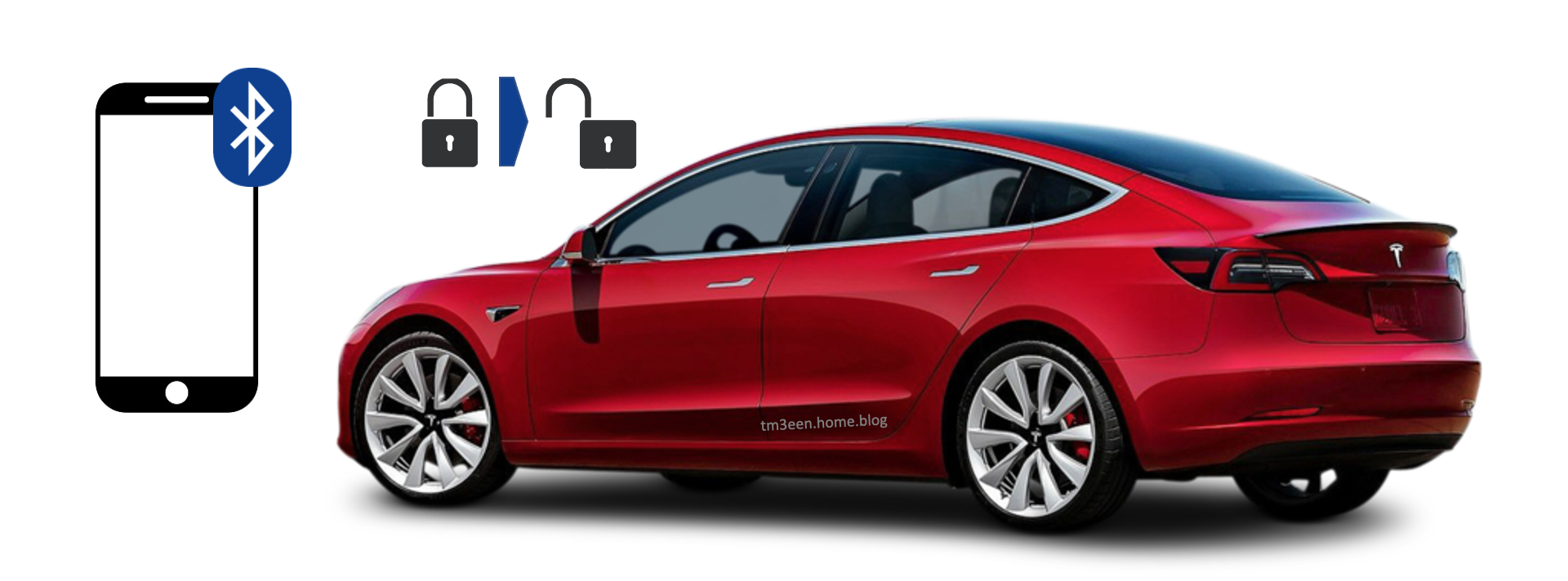
One of the nice possibilities that your Tesla offers is that you can use your smartphone to unlock it. To do this, your phone must be paired as a key with your Tesla. Once you have done that, you can open the doors and/or trunk with your smartphone in your pocket by pulling the door handle or pressing the unlocking button at the trunk. A Bluetooth connection between your Tesla and smartphone makes this possible. However, there are quite a few people for whom this does not work reliably. If you have an Android smartphone, you can increase the chances that it will work by changing a setting for your Tesla app. It is important that you do not close the Tesla app and just let it run in the background for this to work as good as possible.
Below I have tried to guide you through the menu structure on your Android smartphone with screenshots. To do this, go to Settings, select Apps and notifications, if the Tesla app is not in the top list, choose All apps, and select the Tesla app. Within the Tesla app info select Advanced, then Battery. This all can be seen below.

Under Battery usage of the Tesla app you can see whether the option ‘Not optimised’ is set under Battery optimization. If not, you can change it from “Optimise” to “Do Not Optimise” as shown below.

Switching this setting for the Tesla app to Do not optimise will prevent Bluetooth from being turned off for the Tesla app if there has been no activity for a while. It could limit the battery life of your smartphone a bit, but I hardly notice it. This should maximize the chance that you will be able to open the door upon arrival at your Tesla with your smartphone in your pocket, rather than having to open the Tesla app to do so. It doesn’t work perfectly with my el-cheapo Chinese smartphone, but it does work better than when “Optimise” was selected.

 Tesla and Model 3 good to know & experiences